Edit Existing Ports
Open the ports view by navigating to Prodoc Home > Edit > Ports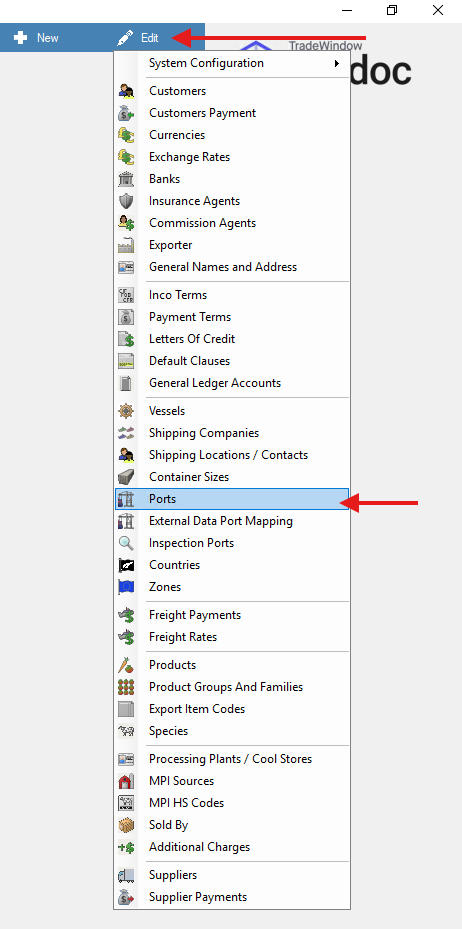
Per the "Select Port" window you can double click a port to edit it.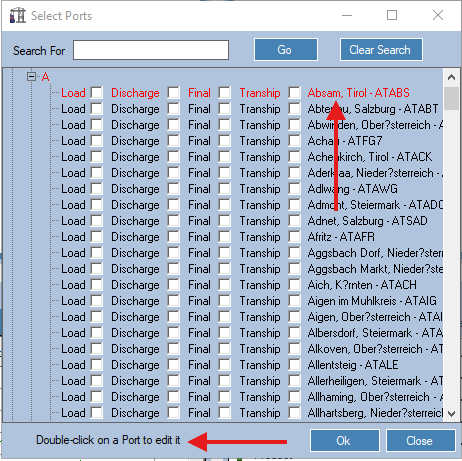
The below window will appear where you can change some of the details of the report and turn on the port for the required port location.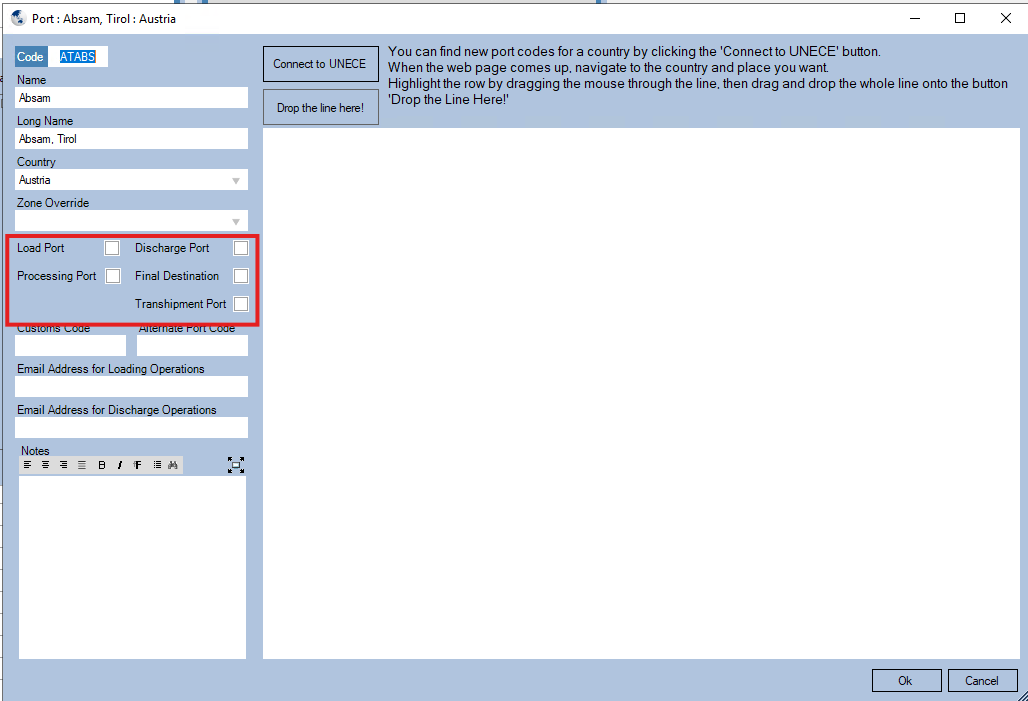
Note there is a shorter way to turn on 'Missing ports'
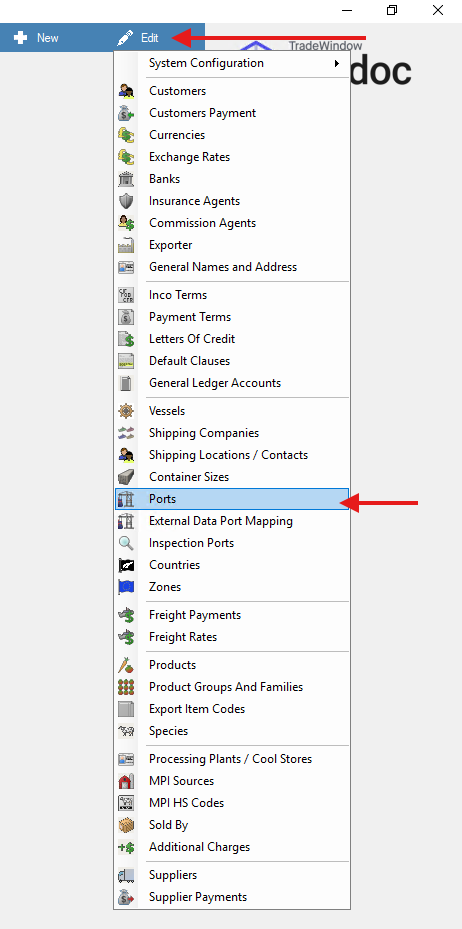
Open the ports view by navigating to Prodoc Home > Edit > Ports
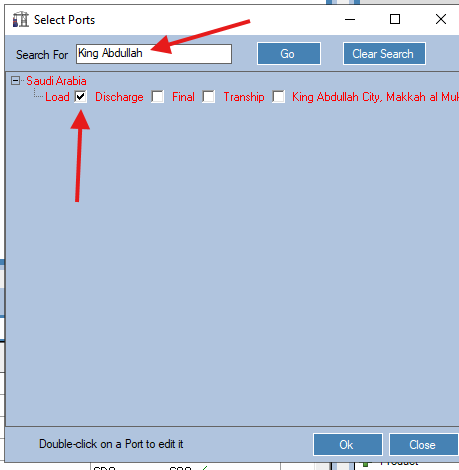
Once the Select port window is open you can search for any port and then turn on the required port
For example if you need this to be a load port then you can select load port.
Adding new ports
for ports that don't show in the "Select Port" window.
Example AGBGI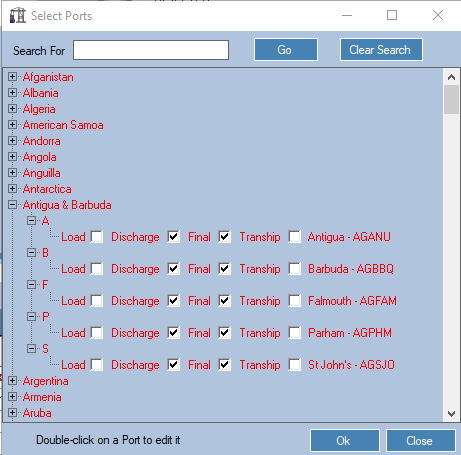
Navigate to prodoc home > New > Ports
Fill in the details as needed.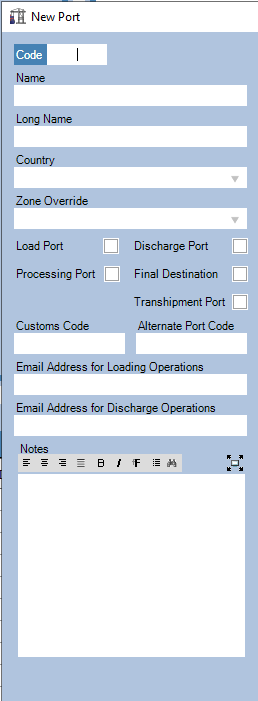
Was this article helpful?
That’s Great!
Thank you for your feedback
Sorry! We couldn't be helpful
Thank you for your feedback
Feedback sent
We appreciate your effort and will try to fix the article